Bolt.new is genuinely the fastest way to go from a prompt to a running full-stack app in a browser, and real users confirm it: zero setup, one-click deploy, a live app in minutes. The two complaints that dominate its reviews are token burn (you keep paying when Bolt rewrites whole files to fix its own bugs) and thin support on billing disputes. Worth it for fast prototypes and demos. Rough for budget-tight, long-session iteration. Below: every claim backed by a named source and a link.

What is Bolt.new, and who makes it?
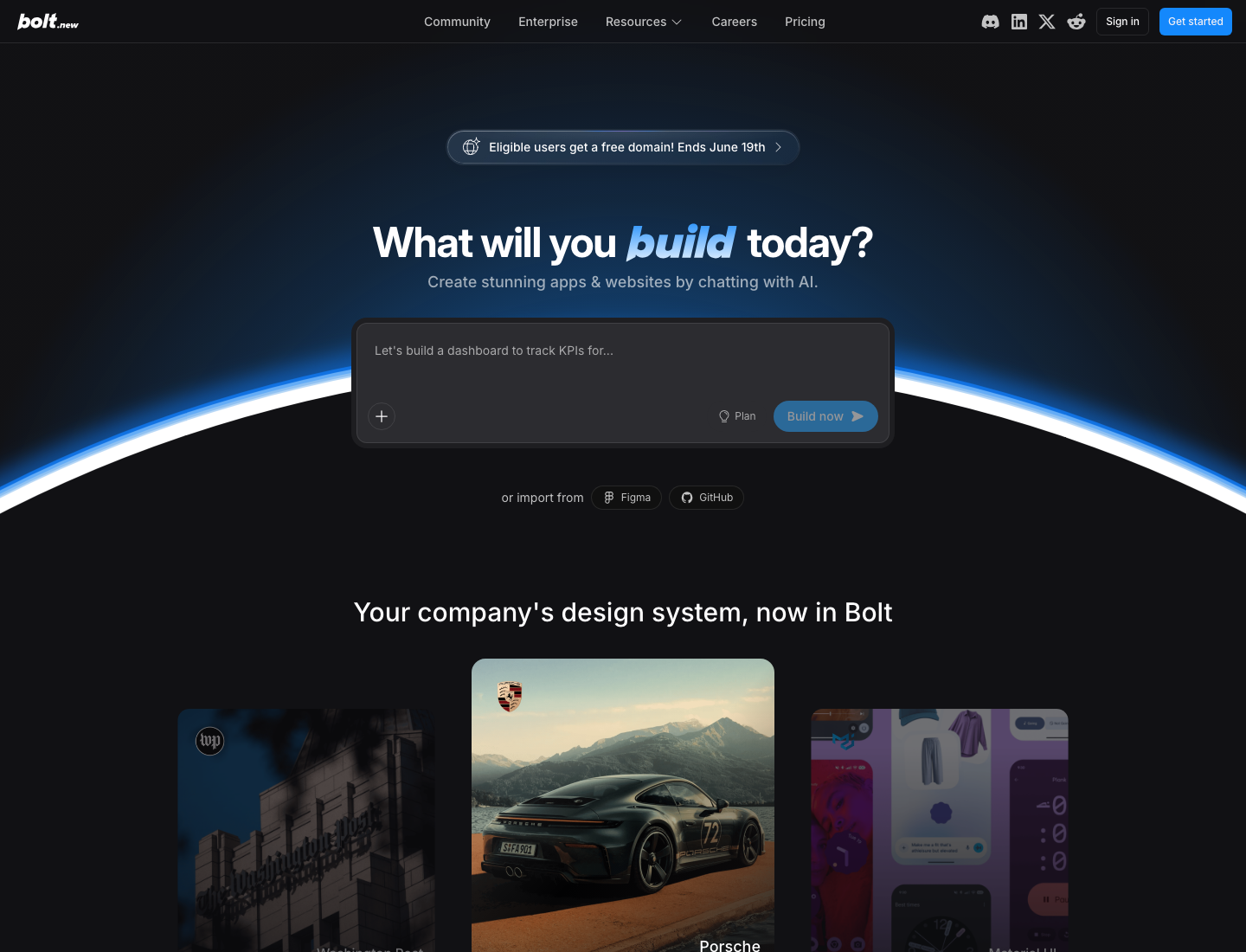
Bolt.new is made by StackBlitz and runs full-stack apps entirely in your browser via WebContainer technology, so there is no local setup. You describe an app, it generates the code, installs packages, runs the dev environment, and deploys to Netlify in a couple of clicks. It supports React, Vue, Svelte, and Astro, with Supabase integration.
The positive context is worth stating fairly: StackBlitz spent roughly four years under $1M ARR before Bolt.new broke out and reached $40M+ ARR (HN thread: "From $0 to $40M ARR: Inside the tech that powers Bolt.new"). This is a real, resourced product, not a flash in the pan.
| Review facts | |
|---|---|
| Product | bolt.new, by StackBlitz |
| Maker | StackBlitz |
| Output stack | Full-stack app (React, Vue, Svelte, Astro), Supabase, deploy to Netlify |
| Pricing model | Subscriptions plus metered tokens |
| Sources reviewed | Hacker News, Product Hunt, dev.to, official pricing page |
| Facts as of | June 14, 2026 |
What do users actually say about Bolt.new?
The honest split, up front: users love the prompt-to-running-app speed, and the same forums fill with token-burn and billing-support pain the longer and larger they build. One disclosure on sources first: Trustpilot was bot-walled and Reddit's JSON was not server-fetchable from where we checked, so this review compiles Hacker News, Product Hunt, and dev.to. We did not invent sentiment from platforms we could not load. We also list 10 fully verified quotes here rather than padding to a round number with sources we could not confirm.
The praise. From a developer's brutally honest hands-on test: "The Supabase integration is unbelievably fast and saved me a ton of time." (Aaron K Saunders, dev.to, Oct 3 2025). A Product Hunt reviewer on the speed: "I don't usually leave reviews, but Bolt.new deserves it. In under 2 hours, I built a complete landing page with a slider, multilingual support, auto-translation, and a contact form. The process was smooth, intuitive, and surprisingly fast." (a Product Hunt reviewer). And a senior engineer on the WebContainer architecture: "What impressed me most is its implementation of WebContainer technology to handle Node.js runtimes directly in the browser. It allowed me to scaffold a production-ready Next.js (App Router) and Tailwind CSS architecture, complete with functional Supabase logic, in a single session." (a Product Hunt reviewer).
The token-burn pain. The most-cited frustration is paying for Bolt's own errors. From a non-coder Product Hunt reviewer: "Bolt is great and I've created lots of nearly functional apps with it and many websites. ... The tokens are a generous amount but it's unfortunate that they still get consumed when there's errors because solving the errors can take quite a while. I wonder if the "undo" aspect should also undo the tokens used? Just from guessing i'd say 50% of mine were spent on this." (a Product Hunt reviewer). And on the whole-file rewrites: "when you ask Bolt to fix a simple bug or syntax issue, it often rewrites the entire file, breaks your UI/UX structure, and still fails to fix the original problem. It feels like it rewrites excessively just to consume more tokens, which is a terrible user experience." (a Product Hunt reviewer).
The billing and reliability pain. A balanced caveat from the same dev.to test: "It's tough for non-coders, and the AI generated code it knew was faulty." (Aaron K Saunders, dev.to, Oct 3 2025). And one contested HN grievance worth handling fairly: a user posted "TL;DR: Bolt.new's AI burned 10M tokens on unauthorized changes. They failed to disclose a Netlify deployment, leading to a Vercel launch riddled with ghost files that broke all payments." (therealcapi, Hacker News). HN commenters pushed back hard, so we pair it with the skepticism: "It's hard to take you seriously when everything you've done, from your product to your post to each comment, was made with AI. You're using a tool as a crutch and have been burned by it." (OsrsNeedsf2P, Hacker News). Treat the 10M-token story as one disputed account, not the consensus.
How much does Bolt.new cost in 2026?
As of June 14, 2026: Free is $0 (300K tokens/day, 1M tokens/month, 10MB upload, hosting, up to 333k web requests, unlimited databases, with Bolt branding); Pro is $25/month (no daily token limit, starting at 10M tokens/month, unused tokens roll over, no branding, custom domain, AI image editing); Teams is $30/member/month (centralized billing, admin controls, private NPM registries); Enterprise is custom. Yearly billing is framed as "Save up to 28%."
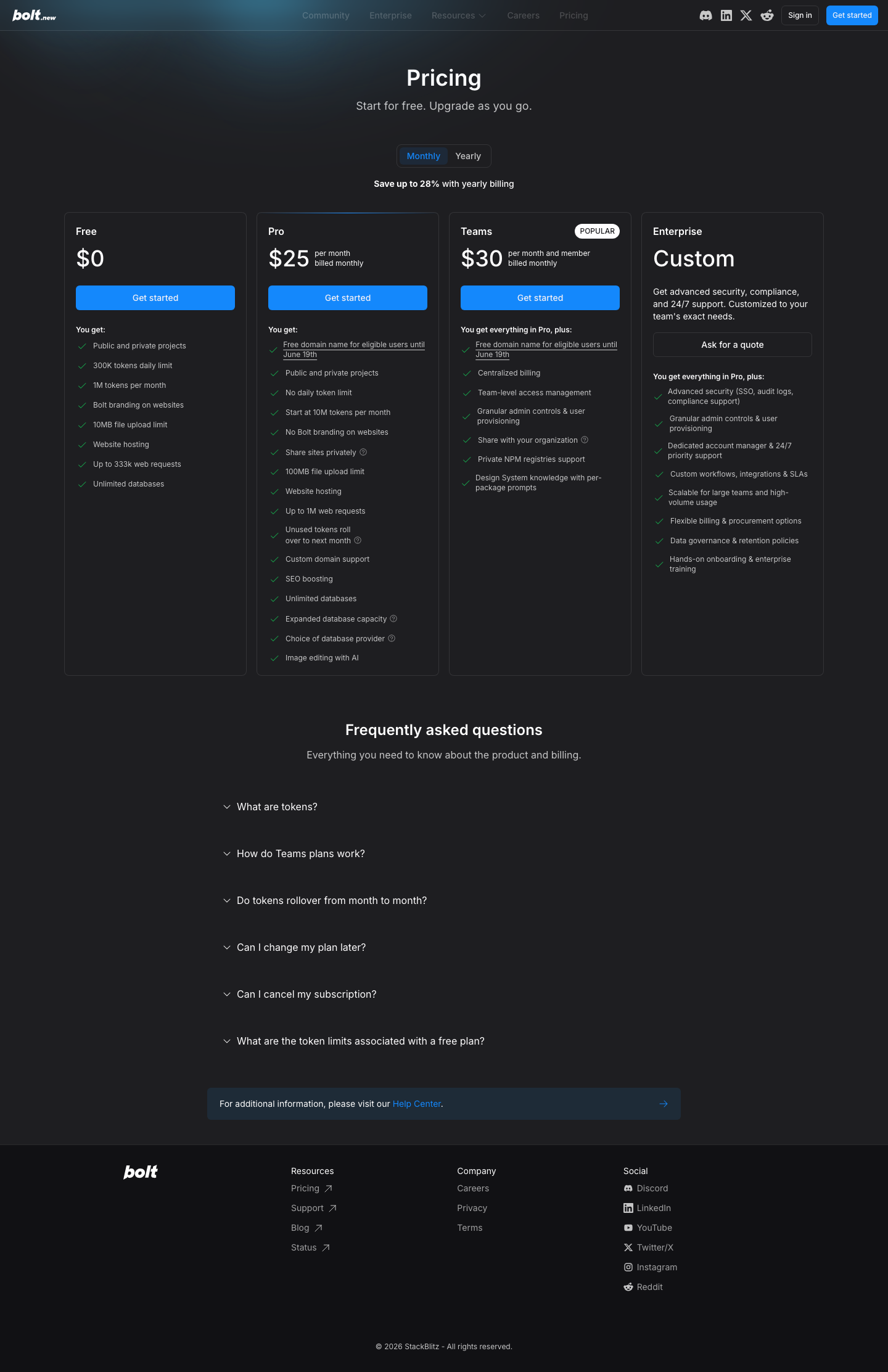
The load-bearing nuance that explains every token-burn quote above: you spend tokens on Bolt's failed fixes and whole-file rewrites, and the free tier's daily cap often runs out before a first build finishes. A hands-on review found Bolt "was the only one unable to complete an initial build without running out of tokens, running out after 6-7 minutes of code generation" (Taskade's Bolt review). So plan beyond the $25 sticker: serious builds usually add a paid database (for example Supabase Pro) on top.
What is Bolt.new genuinely good at?
Bolt's strengths are consistent across reviews, and each one is tied to a real quote.
Zero-to-running-app speed in the browser, no local setup. A Product Hunt reviewer put the whole pipeline plainly: "bolt.new runs the whole thing in the browser, so you go from prompt to a running app with no local setup at all. It installs npm packages, spins up the dev environment, and lets you deploy in a couple of clicks. For testing an idea fast it is hard to beat, you are looking at a live app in minutes instead of wiring up a project first." (a Product Hunt reviewer).
The whole pipeline, not just codegen. It deploys to Netlify in clicks, supports React, Vue, Svelte, and Astro, and the Supabase integration is fast (Aaron Saunders above). For solo builders and non-frontend developers, Bolt makes the build-from-zero decision for you, which is exactly what many of them want.
Where does Bolt.new fall short?
The weaknesses compound into one theme: iteration and scale are where Bolt gets expensive and fragile.
Token burn on debug loops. You pay full price to fix Bolt's own breakage. The ~50%-on-errors quote and the whole-file-rewrite quote above are the sharpest forms of this, and a Product Hunt reviewer also flagged the planning problem: "Token usage burns faster than you expect on bigger builds, and it is not always clear what a given action will cost before you run it." (a Product Hunt reviewer).
Projects degrade as they grow. Aaron Saunders' "generated code it knew was faulty" caveat is the gentle version. The sourced, in-depth teardown of how Bolt loses context past 15 to 20 components lives in our Bolt alternative guide, so we point there rather than re-running it here.
Billing-dispute support pain, documented in the two token-reset accounts above.
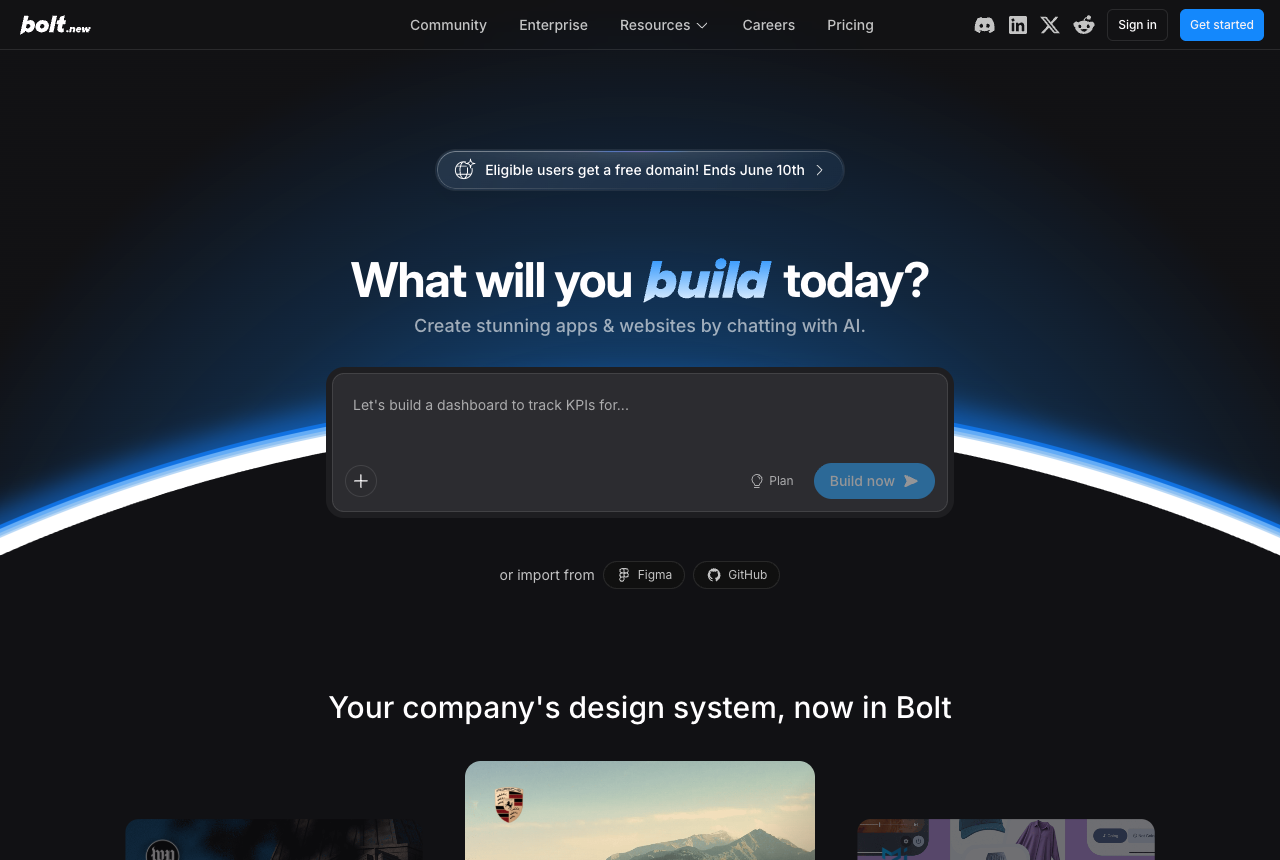
It is a sandbox at heart. Bolt now imports Figma frames and GitHub repos (Bolt's own blog on Figma-frame import), so it is no longer strictly greenfield-only, but those imports land in Bolt's own browser environment rather than your local repo. "Change the UI inside the app I already ship locally" is still awkward.
Who should use Bolt.new (and who shouldn't)?
Use Bolt if you want a running full-stack app from zero, fast; look elsewhere if you iterate heavily on a tight budget or need the result in your own local codebase.
Great fit: solo builders and non-frontend devs who want a running app from zero, anyone validating an MVP or demo where a day of token spend beats a week of setup, and people happy with a browser sandbox plus one-click deploy.
Poor fit: budget-sensitive heavy iterators (the meter punishes exactly the fix-loops Bolt itself creates), teams who need the result to live in an existing local codebase and their own coding agent, and people who care most about a distinctive, on-brand UI rather than a working scaffold. For the first lane, see our Bolt alternatives roundup; for the closest like-for-like app builder, Lovable vs Bolt; and for the design layer, Bolt vs Superdesign.
What if your bottleneck is the UI, not building the app?
We build Superdesign, so judge this paragraph accordingly. The honest map: Bolt commits to building a whole app on the first prompt. That is its strength (a running app fast) and its tax (every redirection is a fresh paid loop, including the ones that just fix Bolt's own breakage).
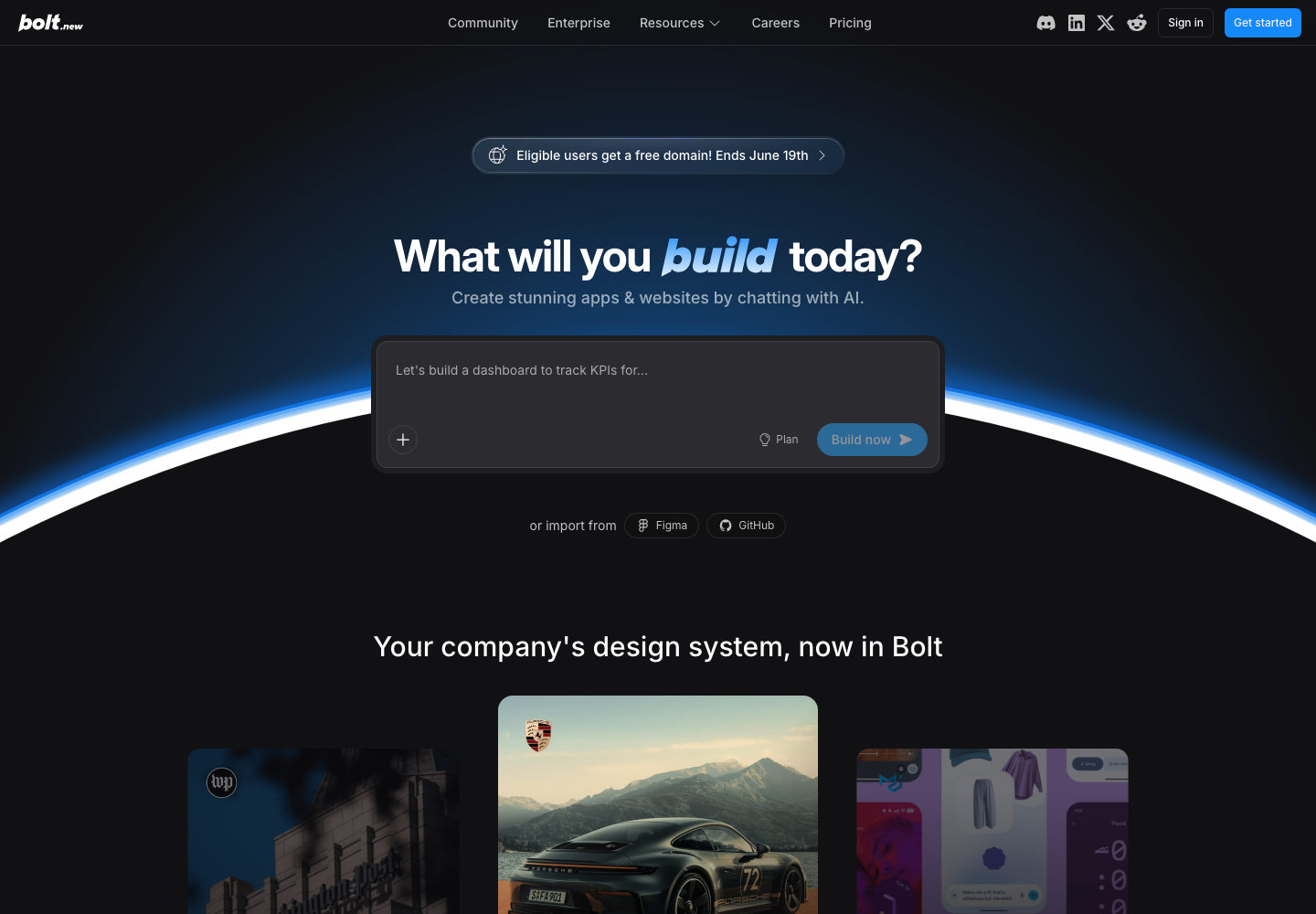
To be fair, Bolt has moved: it now markets a design-system feature ("Your company's design system, now in Bolt" / "Stop building from scratch. Start building on-brand.") and imports Figma frames and GitHub repos. The genuine distinction is the layer and the loop. Superdesign is a design-first agent on an infinite canvas that forks several UI directions in parallel, so you compare and keep the one with taste before any build. And it ships as a skill inside Claude Code or Cursor (npx skills add superdesigndev/superdesign-skill), so the agent that already knows your local codebase drives the design. Our free prompt library works with any coding agent too.
Not "we win everything": if you want a deployed full-stack app today, Bolt is genuinely good at that and Superdesign does not replace it. For the full head-to-head, see Bolt vs Superdesign.
The verdict: is Bolt.new worth it in 2026?
Yes, for the user it was built for. If you want the fastest prompt-to-running-full-stack-app path, you are prototyping or shipping demos, and you watch your token spend, Bolt is worth it. The in-browser zero-setup speed is real and keeps earning praise.
If you iterate heavily, work on a tight budget, or need the UI to land in a codebase you already ship locally, the reviews say you will feel the token meter (and the rewrite-to-fix-its-own-bugs loop) before you feel the magic. Know which builder you are before you put a card in. For a related compiled review in this series, see our v0 by Vercel review.