This page is about applying the glassmorphism recipe to a dashboard. The full CSS recipe (the exact tokens, fallbacks and gotchas) lives on the Glassmorphism pillar page; here we focus on what changes when the build type is a dashboard, then hand you a prompt tuned for it.
Generate a glassmorphism dashboard
Generate it on Superdesign
This prompt is tuned to the exact tokens in the recipe above. Copy it, paste it into the prompt box, and you get a full UI in this style on an infinite canvas. Free to start.
Design a premium HR and finance dashboard in glassmorphism style. Use a deep indigo canvas (#0f172a) with soft glowing blue (#667eea) and purple (#764ba2) gradient blobs behind frosted glass panels: 16px backdrop blur, rgba(255,255,255,0.1) fill, 1px white-at-25% borders, 16px radius. Keep the glass on the sidebar, the top bar and the stat cards. Render the data table and the SVG line charts on a near-opaque inner surface so numbers stay crisp. White text, one cyan-to-blue accent for primary actions, staggered slide-up entrance, a bento-grid of 4 stat cards plus a chart plus a recent-activity table.
Copies the prompt and opens Superdesign in a new tab.
Using the Superdesign skill from Claude Code or Cursor?
Paste this tuned style prompt into your coding agent. It carries the same tokens as the recipe, so what the agent builds matches what this page teaches.
Build a glassmorphism dashboard with these tokens:
- Canvas: deep indigo #0f172a with two soft radial gradient blobs (#667eea, #764ba2)
- Glass chrome (sidebar, top bar, stat cards): rgba(255,255,255,0.1) fill,
  backdrop-filter blur(16px) saturate(150%), 1px rgba(255,255,255,0.25) border,
  16px radius, shadow 0 8px 32px rgba(0,0,0,0.35)
- Data surfaces (tables, dense charts): NOT glass. Use a near-opaque panel
  rgba(17,25,40,0.9) so small numbers stay above 4.5:1 contrast
- Text: white #ffffff for labels, slate-200 for secondary; accent cyan->blue
  gradient only on primary buttons and live indicators
- Layout: 12-column bento, fixed glass sidebar, 4 KPI stat cards, one wide line
  chart, one transactions table
- Always pair backdrop-filter with -webkit-backdrop-filter and an @supports
  fallback raising fill opacity to 85%

/* via superdesign.dev/styles/glassmorphism/dashboard */
Glassmorphism dashboard examples
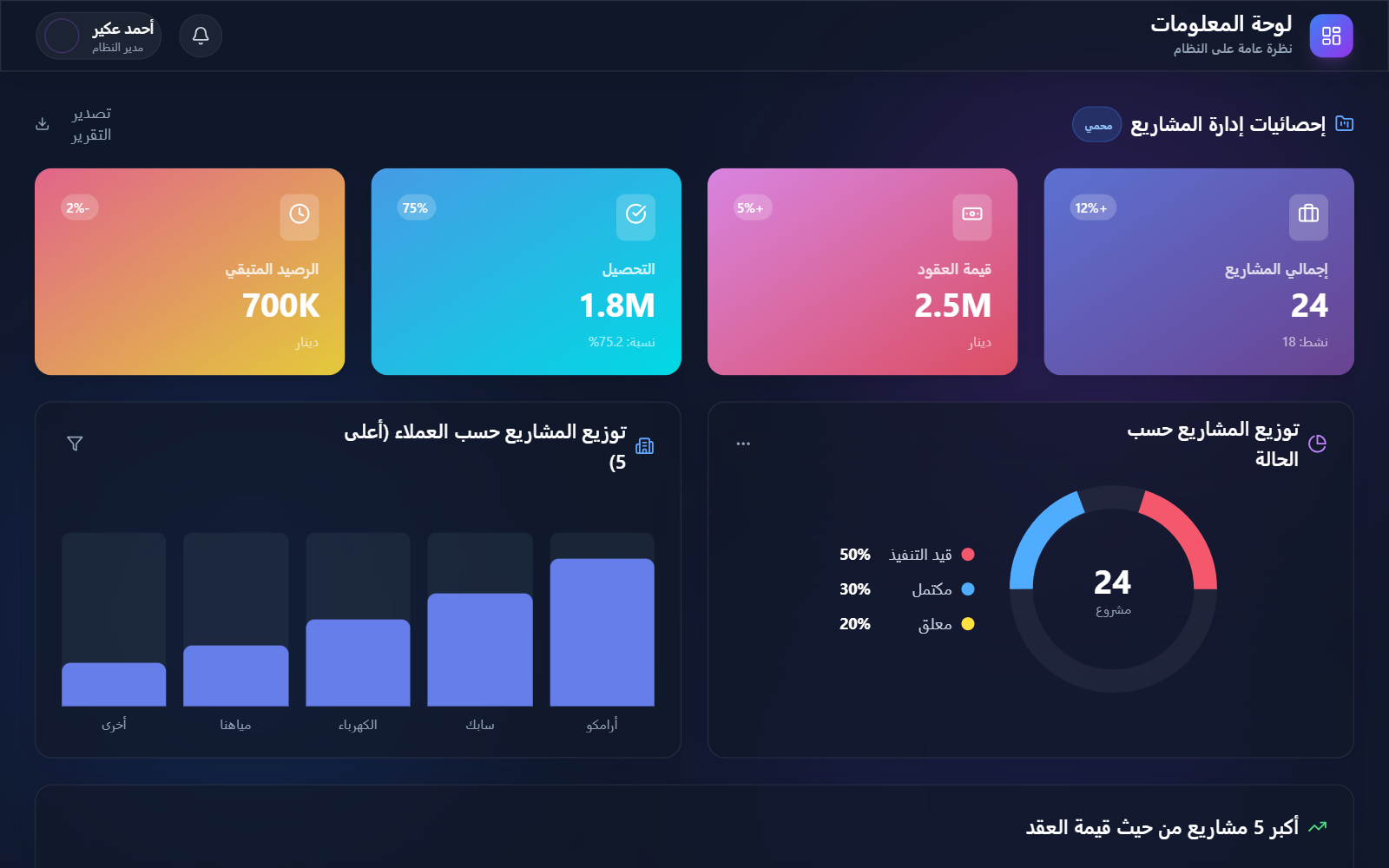
Glassmorphism HR DashboardSuperdesign library
Glass stat cards over a glowing indigo backdrop, but the table sits on a solid panel so salary figures stay readable.
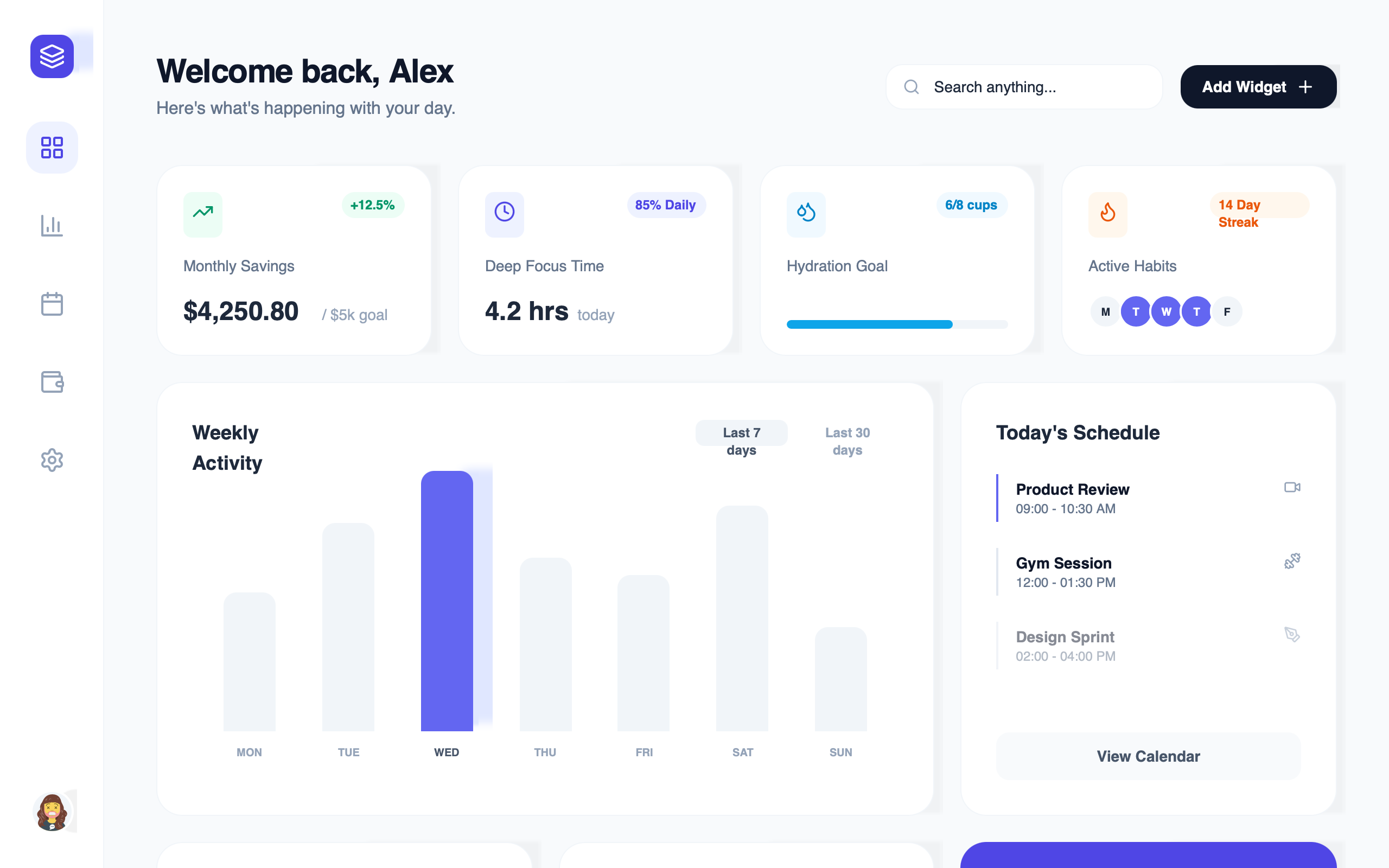
Premium Glassmorphism Dashboard (edge-to-edge line charts)Superdesign library
A 28px-blur mesh background with smooth SVG charts: the charts get their own high-fill card so the curves read clean.
Frequently asked questions
Can you use glassmorphism on a data table?
How do I keep dashboard numbers legible on glass?
What blur value works best for a glassmorphism dashboard?
Keep exploring
Glassmorphism: the full recipe →
Frosted glass panels: translucent fill, backdrop blur, a thin light border, layered over a colorful backdrop.
Glassmorphism website →
The same style applied to a website.
Glassmorphism card →
The same style applied to a card.
Glassmorphism mobile app →
The same style applied to a mobile app.
Glassmorphism login →
The same style applied to a login.
Glassmorphism pricing →
The same style applied to a pricing.
Browse every style in the design styles encyclopedia.